Přejít na obsah
View in the app

A better way to browse. Learn more.

Vodafone Techforum

A full-screen app on your home screen with push notifications, badges and more.

To install this app on iOS and iPadOS
  1. Tap the Share icon in Safari
  2. Scroll the menu and tap Add to Home Screen.
  3. Tap Add in the top-right corner.
To install this app on Android
  1. Tap the 3-dot menu (⋮) in the top-right corner of the browser.
  2. Tap Add to Home screen or Install app.
  3. Confirm by tapping Install.

Enrique

Nováček
  • Registrace

  • Přítomen

Vše od uživatele Enrique

  1. Enrique odpověděl na téma uživateli Enrique v Vodafone internet
    Thanks a lot it fixed my issue ! I followed the tutorial and some parameters like the 802.1q don’t need to be entered on my router but it works. Thanks a lot again !
  2. Enrique odpověděl na téma uživateli Enrique v Vodafone internet
    Oh thanks I thought it was random. I’ve put the credential but I still can’t manage to connect. Am I doing something wrong ?
  3. Enrique odpověděl na téma uživateli Enrique v Vodafone internet
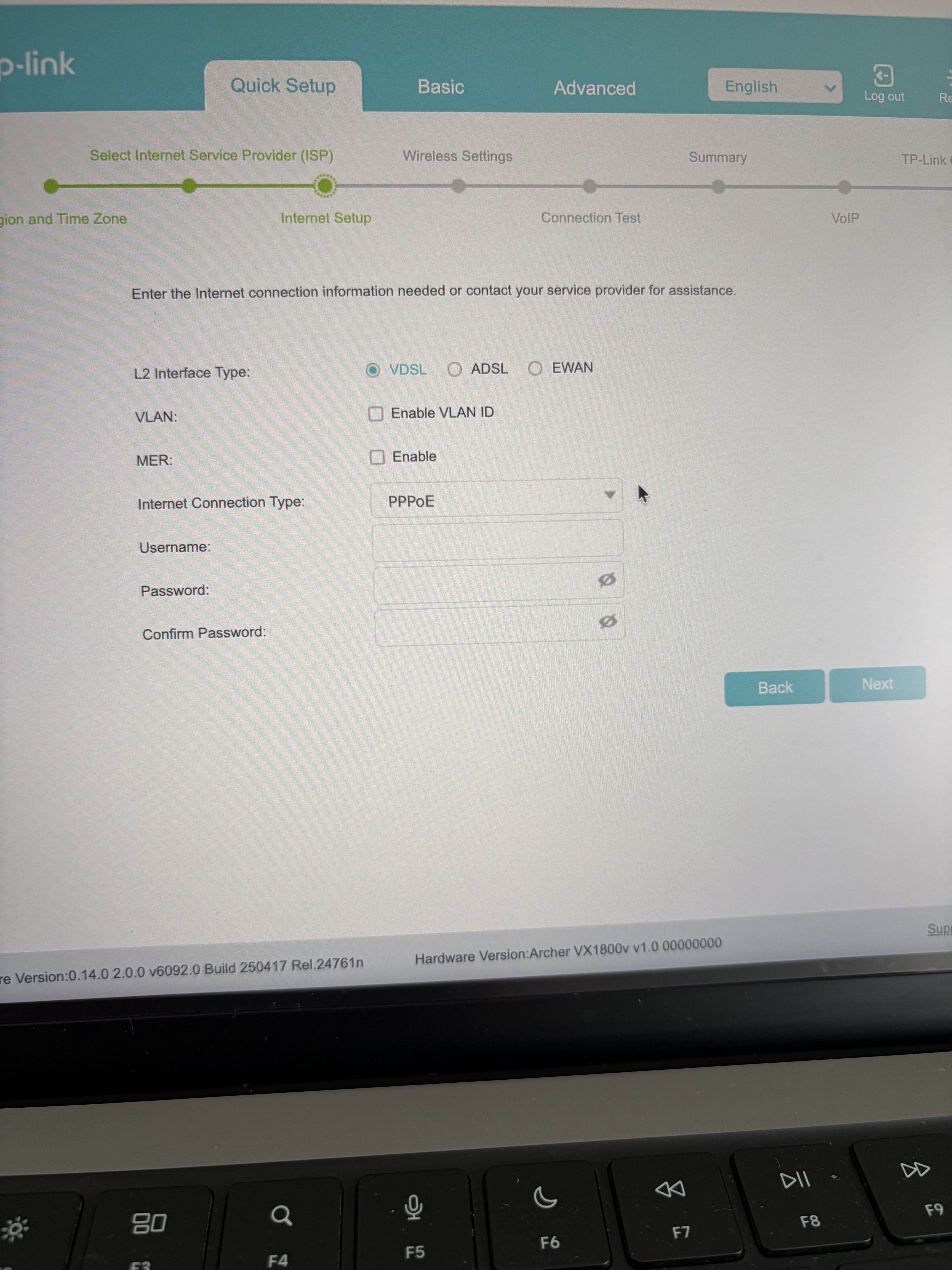
    Thank you very usefull. However I’m having a hard time finding the username and password for the connection. Where can I find those ? Thanks
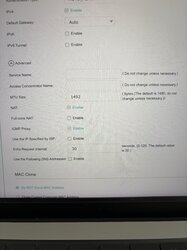
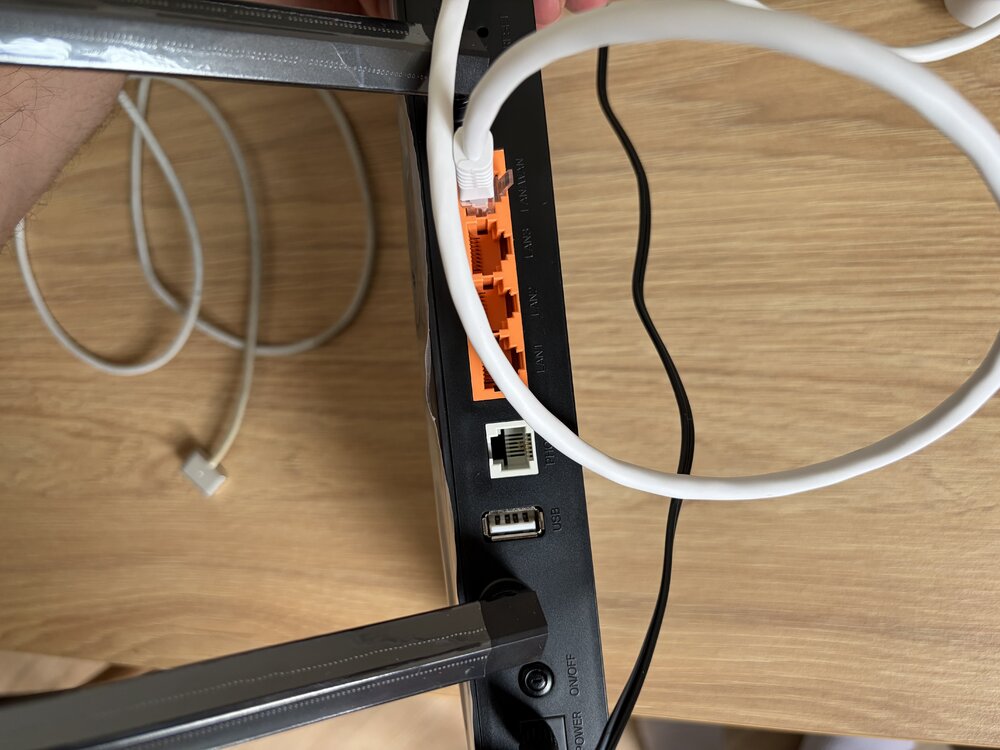
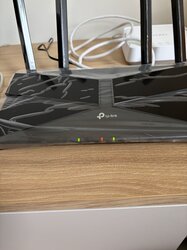
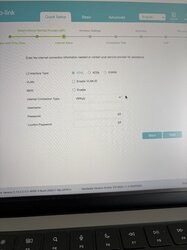
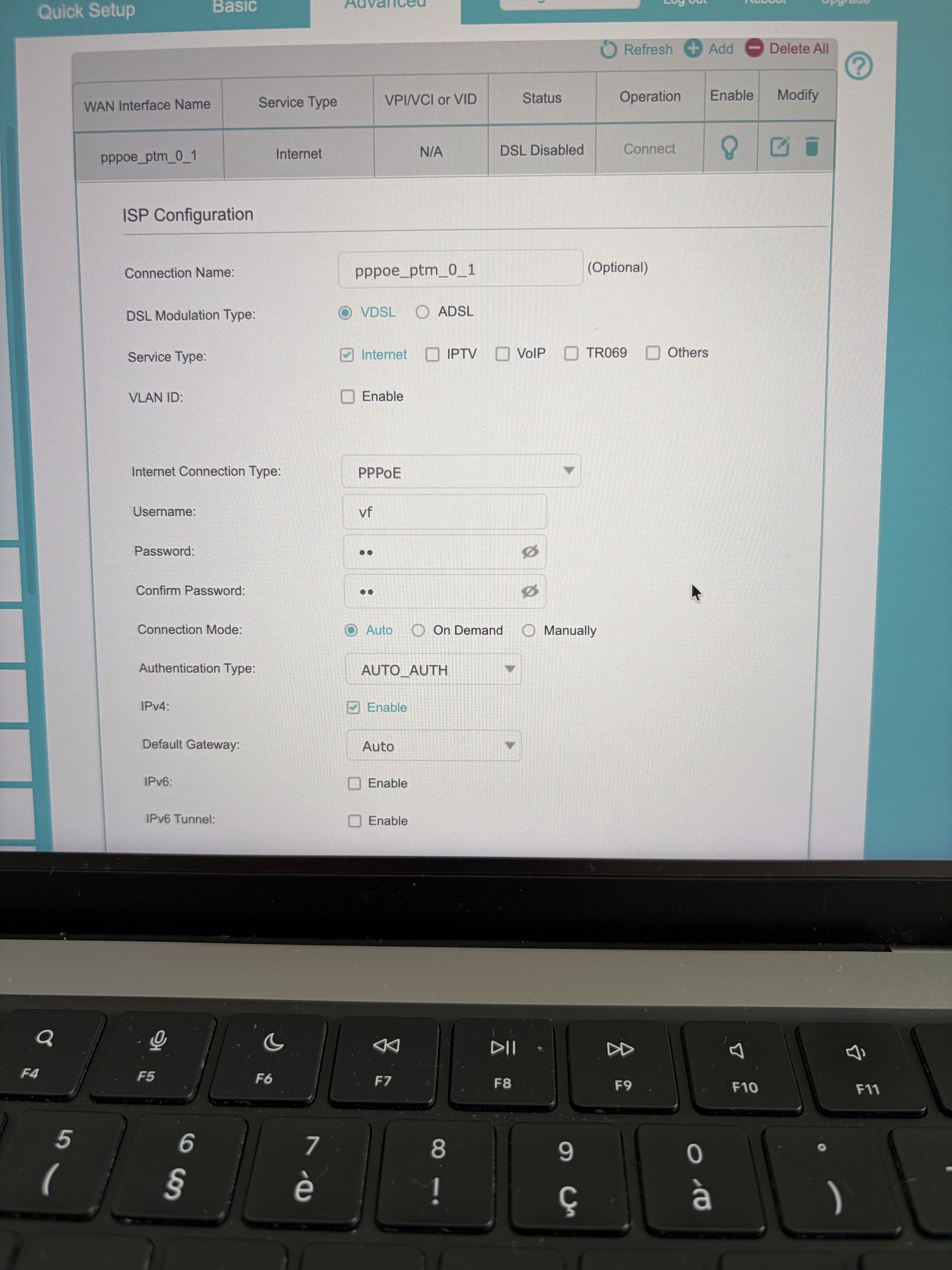
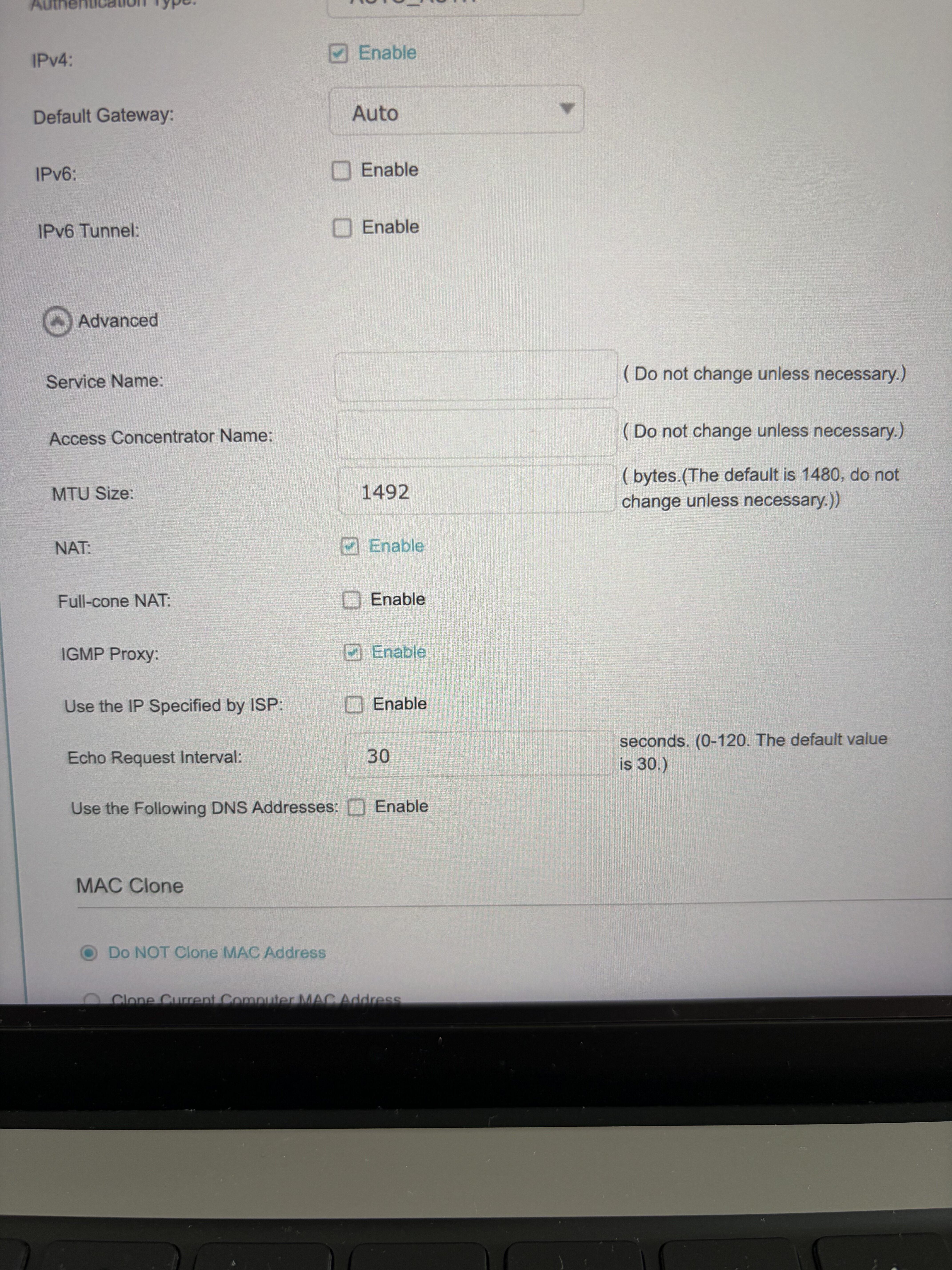
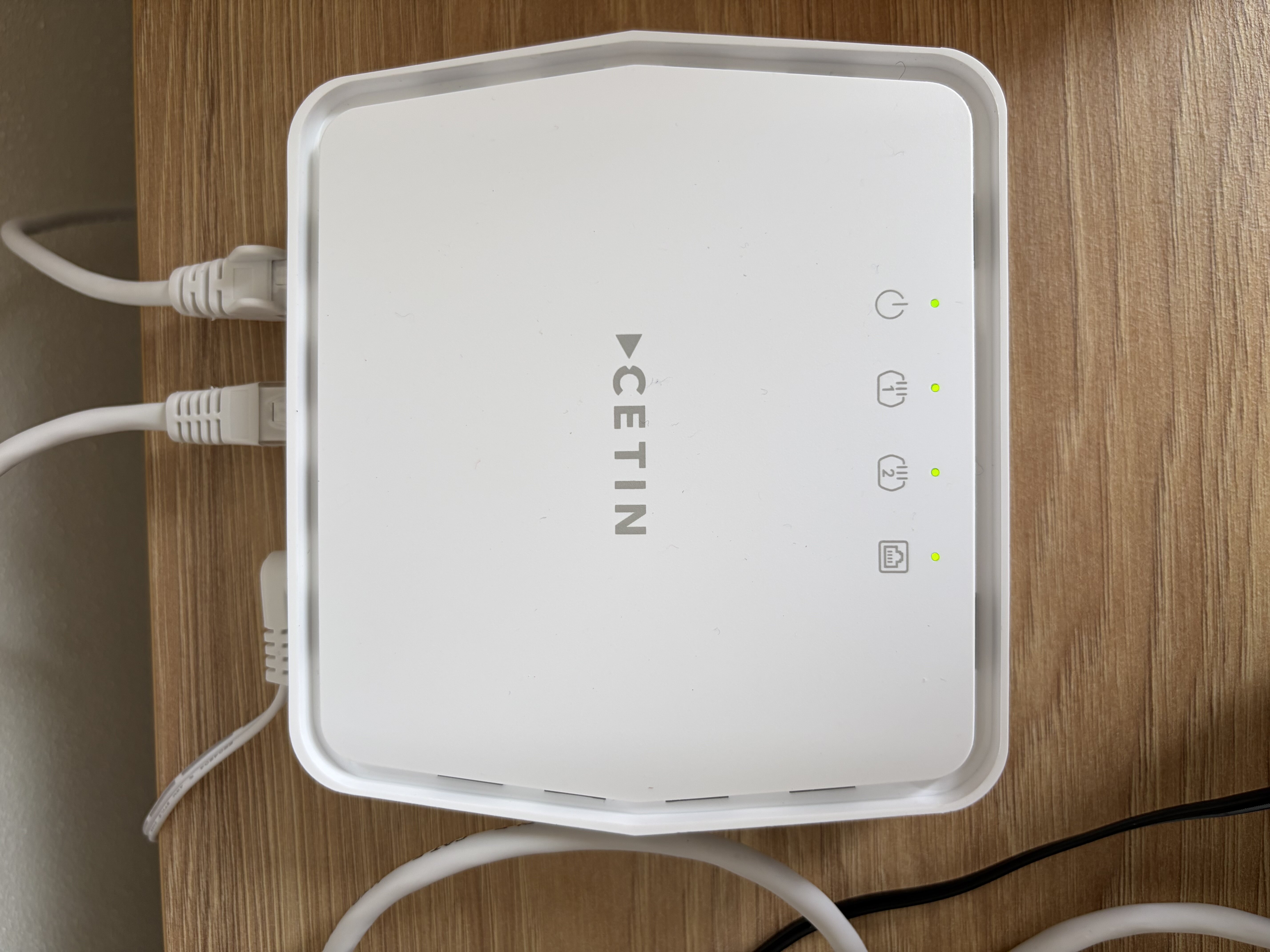
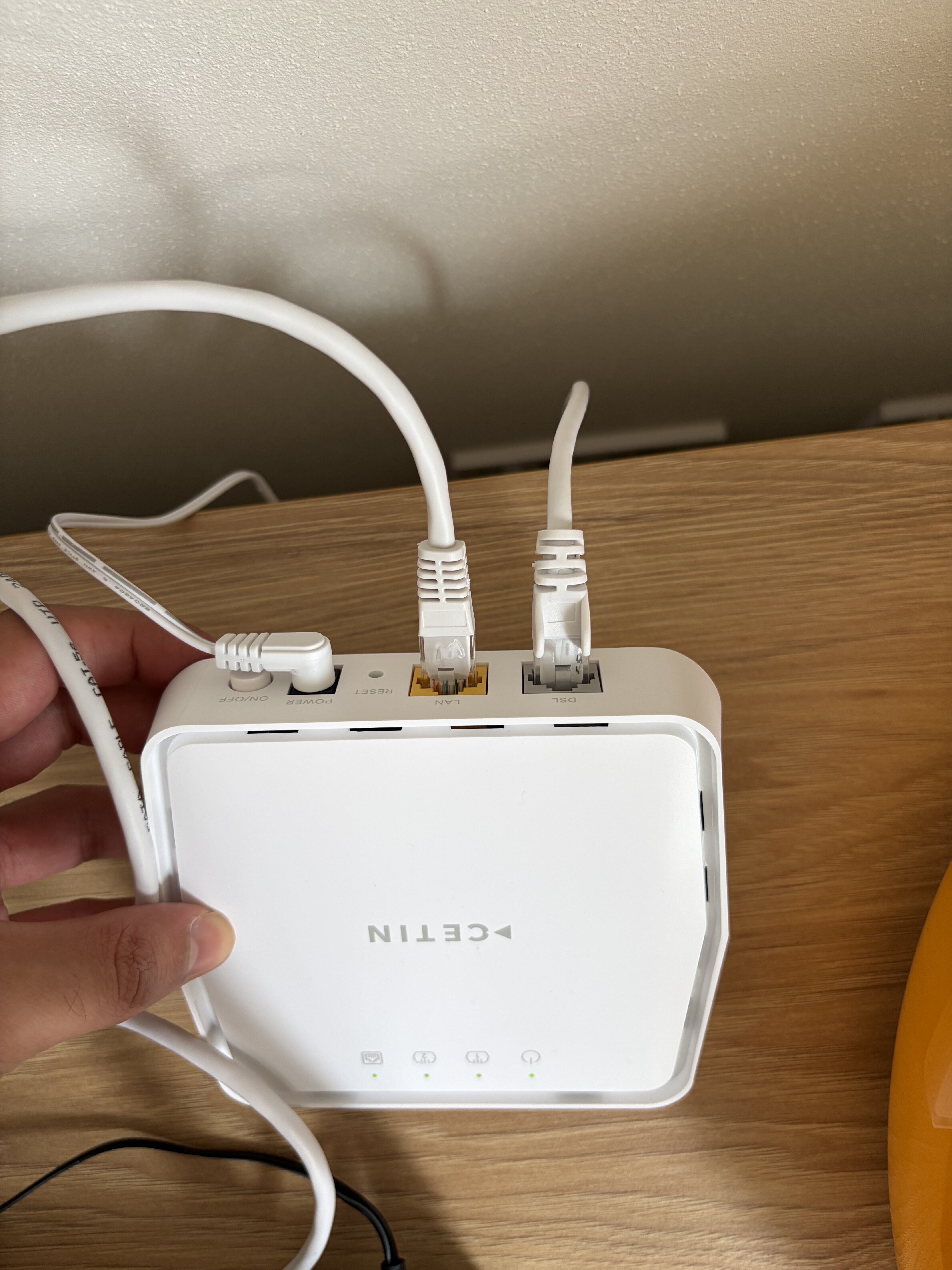
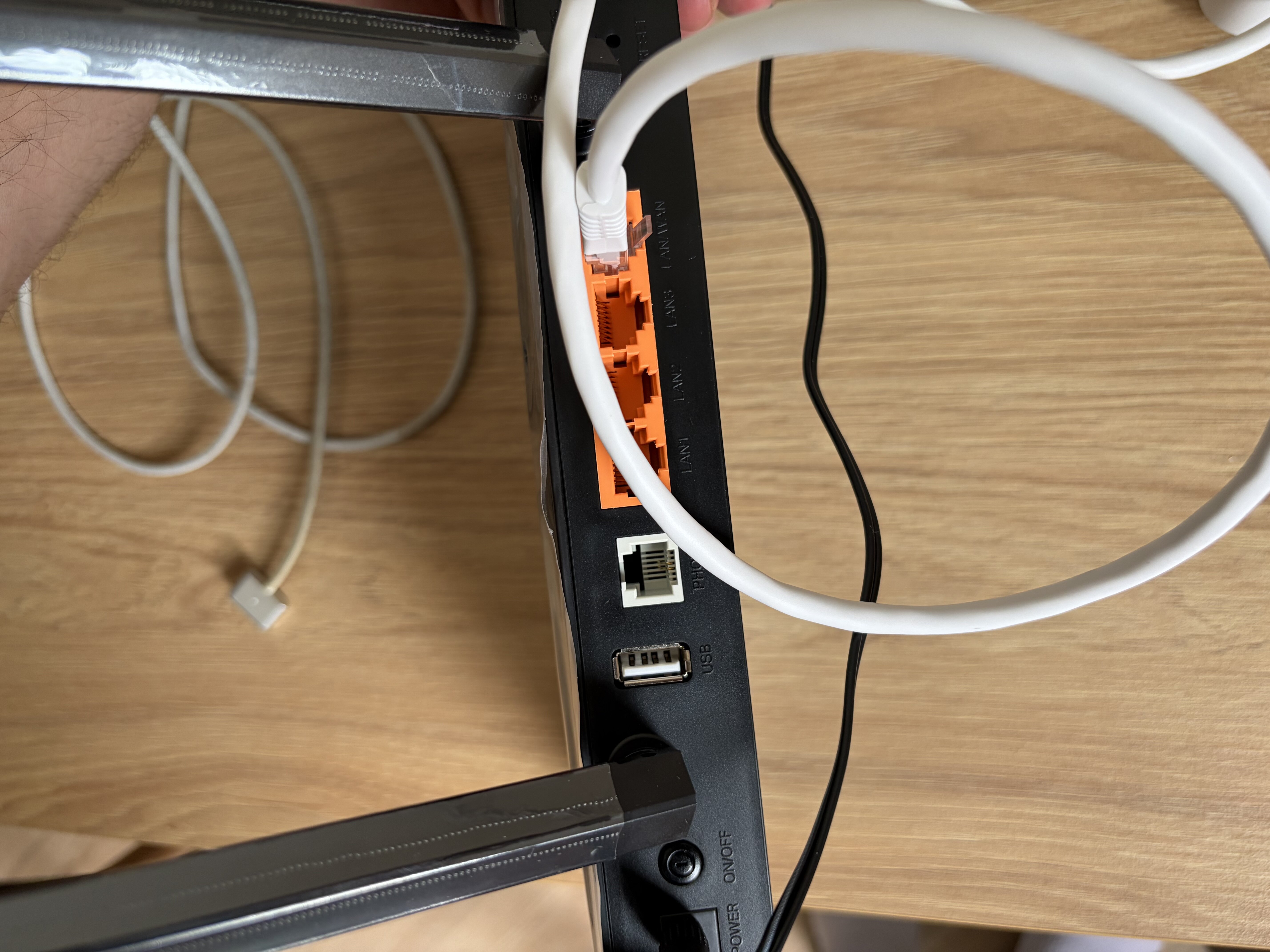
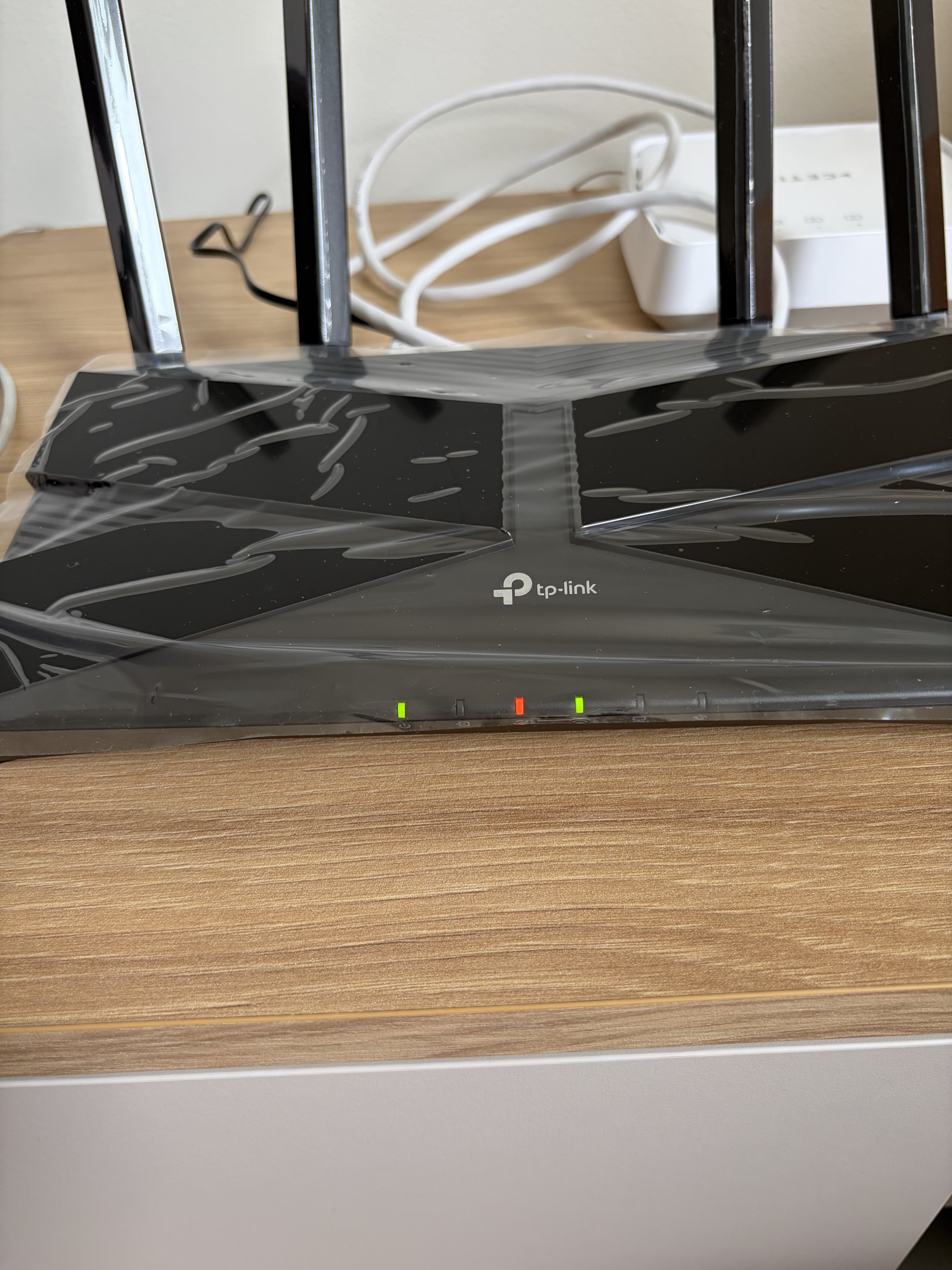
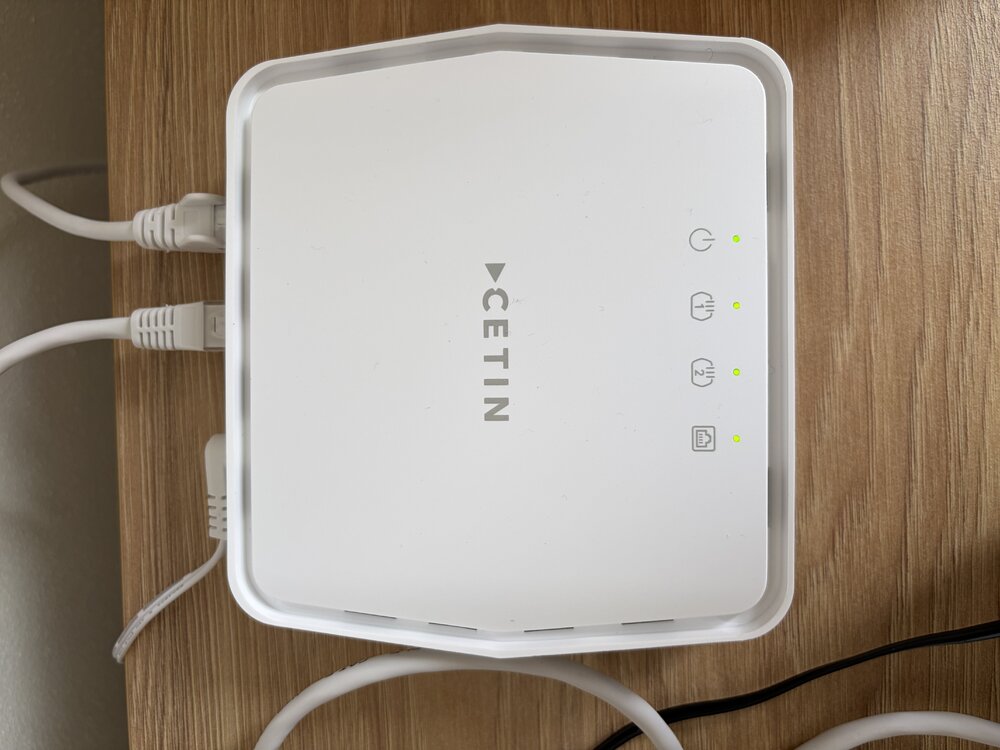
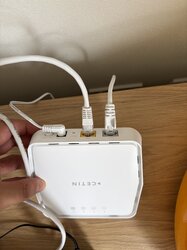
  4. Hello, I recently subscribe to VDSL via Vodafone. The technician installed internet and the CETIN box. All the lights are green on that box. I bought a TP-Link AX1800 dual band VDSL/ADSL Modem router. I’m having a hard time configuring it. Maybe I’m missing some credential when using PPPoE internet type. Can you help me with this ? thanks a lot
Vodafone Czech Republic a.s.,
nám. Junkových 2808/2, 155 00 - Praha 5,
IČO 25788001, sp. zn. B 6064 vedená u Městského soudu v Praze

Vodafone Czech Republic a.s.,
Junkových sq. 2808/2, 155 00 - Prague 5,
CRN 25788001, file number B 6064 kept at the Municipal Court in Prague

Powered by Invision Community

Účet

Navigace

Vyhledávání

Vyhledávání

Configure browser push notifications

Chrome (Android)
  1. Tap the lock icon next to the address bar.
  2. Tap Permissions → Notifications.
  3. Adjust your preference.
Chrome (Desktop)
  1. Click the padlock icon in the address bar.
  2. Select Site settings.
  3. Find Notifications and adjust your preference.